Friends of Notion


Templates that (truly) work


Get 40%-off all premium templates.
Discount auto-applied at checkout.
Limited availability.

You might have seen it everywhere as Notion decided to heavily push this new feature in their marketing material. I'm talking, of course, of… AI Meeting Notes.
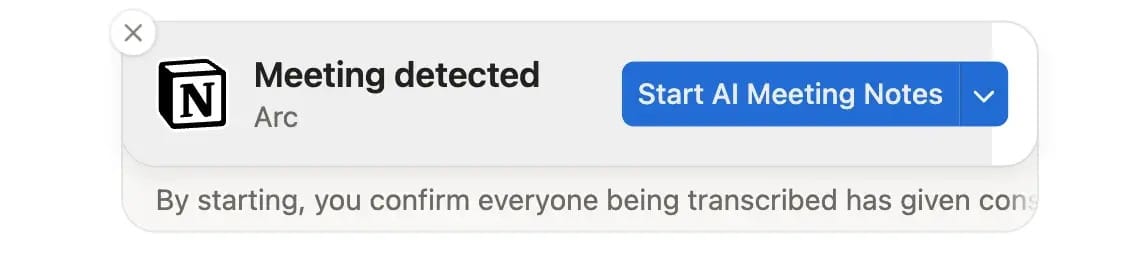
One cool feature about Meeting Notes is that whenever you launch a call (from Google Meet, Zoom, etc.) — a little popup box pops up, asking you to Start AI Meeting Notes. It makes it quite handy (no prior setup needed) and helps prevent forgetting.
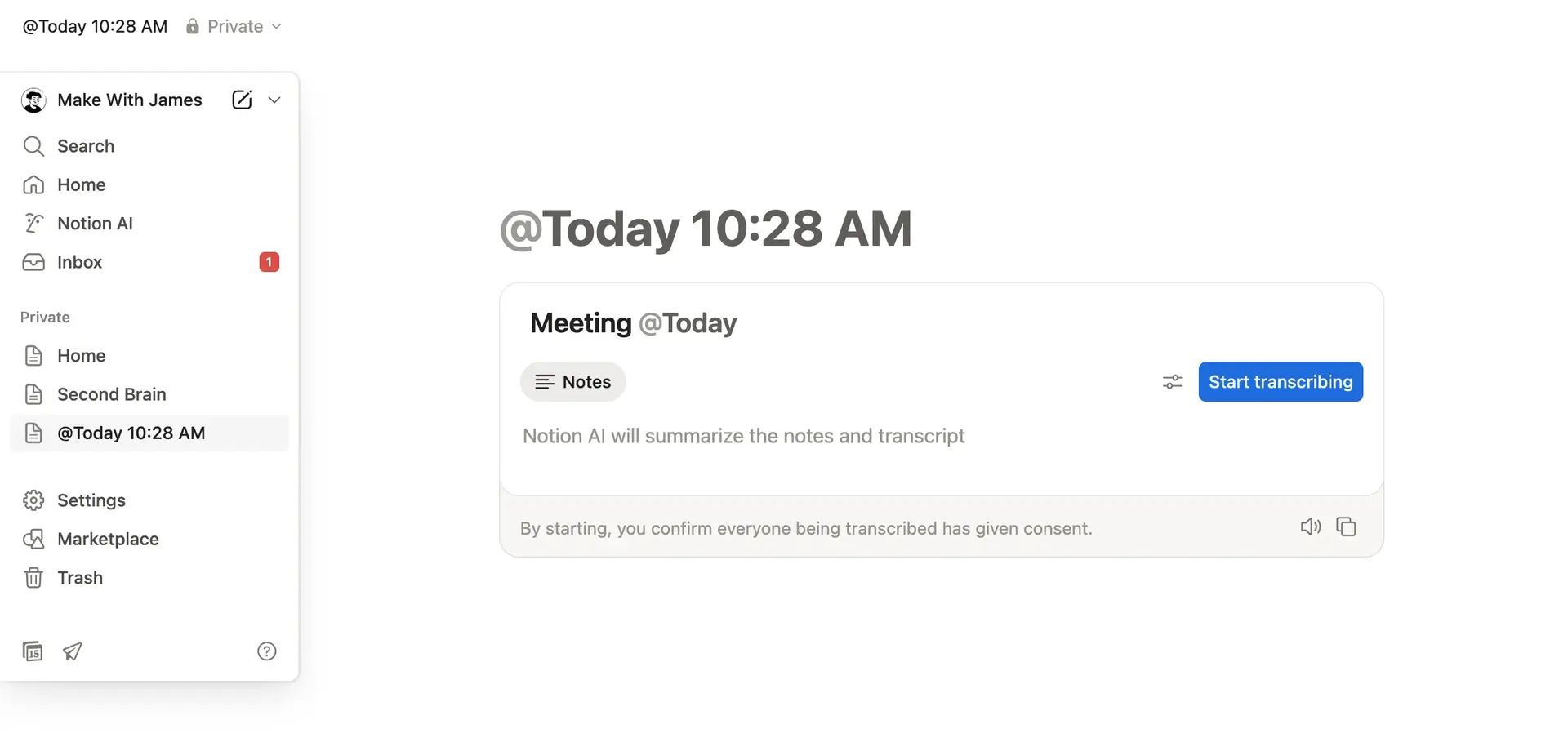
Clicking this button automatically creates a new page in your Notion sidebar with the Meeting Notes module ready to use.
If you prefer not to see these popups, you can easily disable them by clicking the down arrow next to the Start AI Meeting Notes button, then selecting Turn these notifications off
If you go to your Settings in Notion, you'll see a new tab for Notion AI. At the bottom of this tab, you can access the settings for AI Meeting Notes.
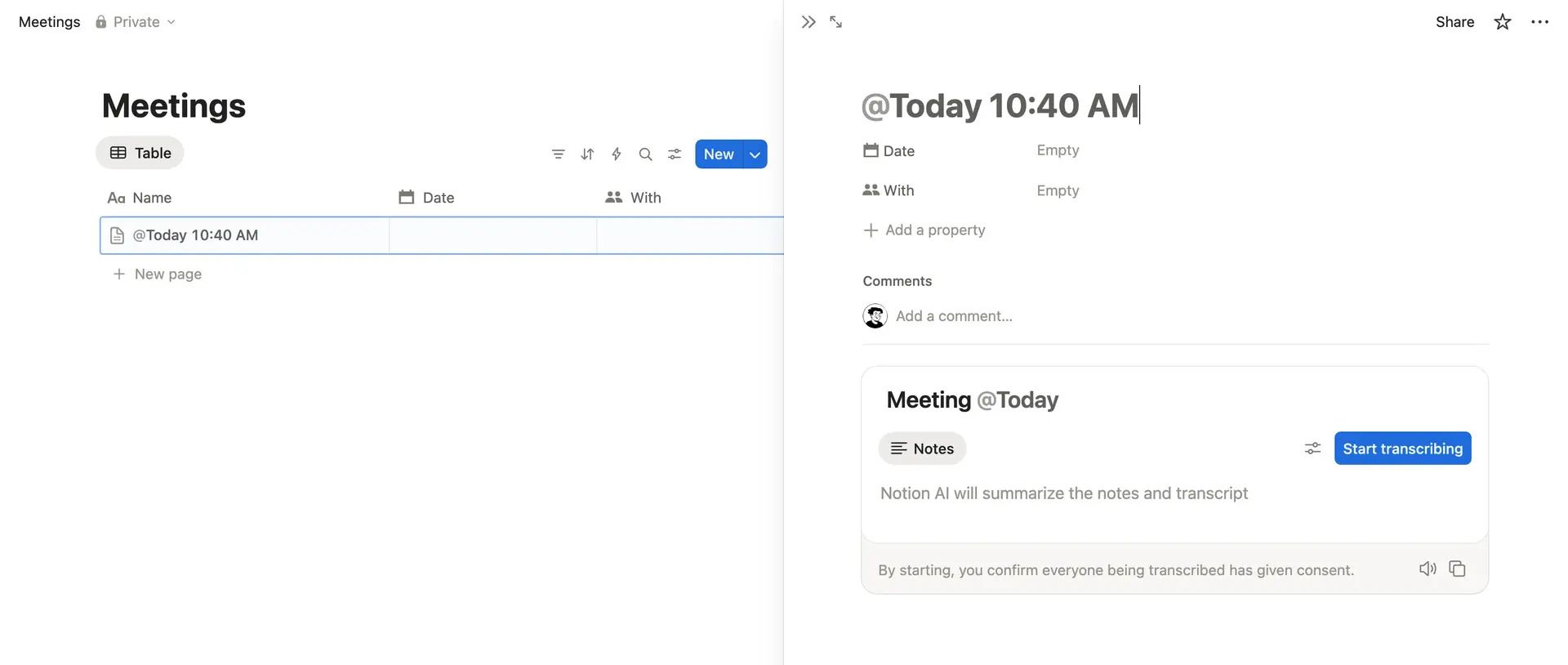
A particularly useful option is the ability to select which database will store your meeting notes.

Now when you create a new meeting note from the popup mentioned in (1) of this newsletter, it will automatically be added as a page in your selected database ↓
Another helpful feature worth highlighting is the ability to download audio recordings from your meetings. In your Meeting Notes settings, simply enable Store audio locally to access this functionality.
Local copies of recorded meeting audio are available to the user initiating AI Meeting Notes (the “recorder”). The 10 most recently recorded meeting audio files will be stored on the recorder’s local device and available to download. Only the recorder has the ability to download a locally saved audio file.

For more information about AI Meeting Notes, visit Notion's help guide.


This site is not a part of the Facebook website or Facebook Inc. Additionally, This site is NOT endorsed by Facebook in any way. FACEBOOK is a trademark of FACEBOOK, Inc.
hello@ramesquinerie.com